Summary
The ROG Xbox Ally X uses NPU AI to auto-detect and bookmark the best gaming moments.
The feature relies on Ally X’s NPU — the base ROG Xbox Ally won’t get it.
Join the Xbox Insider program and enable background recording today, but it only supports seven titles now.
Microsoft has a little bit of an embarrassing situation on its hands. Its big entry into the handheld market is the ROG Xbox Ally, and its more powerful brother, the Ally X. Both of these consoles are mighty, well-made devices, but they reportedly get even better if you strip Windows off them and replace it with either SteamOS or Bazzite.
The best thing Microsoft can do if it wants to keep Windows 11 on its own consoles is to make gaming performance better, and the second-best thing it can do is add features that its rivals don’t have. Such is the case of a new tool arriving on the Insiders build that automatically detects and bookmarks your best gaming moments for later clipping.
Microsoft adds automatic clipping to the ROG Xbox Ally X Insider program
It takes the snaps, so you don’t have to
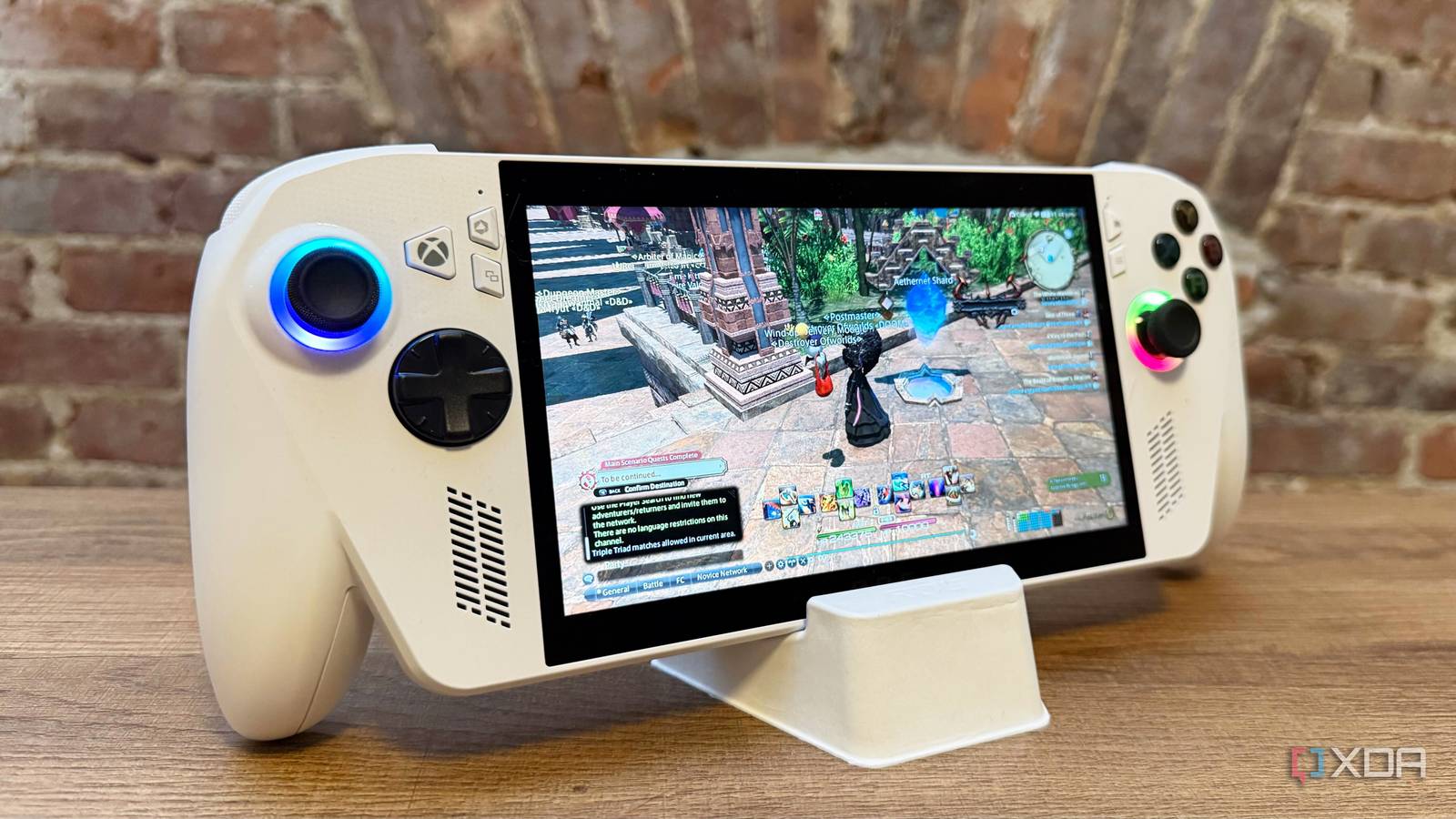
As announced on the Xbox Wire, the ROG Xbox Ally X is getting a new clipping system. Unlike other screen recordings, the console will use the NPU to detect when the best gaming moments are. Whenever it identifies something cool happening on-screen, it adds a marker you can review later on to see your best highlights. You can then take these snippets and upload the best moments to the internet for everyone to see.
It’s worth noting that Microsoft has announced this feature for the ROG Xbox Ally X specifically. That’s because the Ally X has an NPU, which will use AI to identify and mark the best gaming moments. Because the original ROG Xbox Ally doesn’t have these same capabilities, you won’t see it on the base model.
If you’re interested, head over to the Xbox Insider program page and sign up to become a part of it. Then, open the Game Bar, go to “Settings > More Settings > Widgets > Record in the background,” and make sure it’s enabled. The console will then begin watching your gameplay and choosing the best moments.
Right now, it only works for these games:
Among Us
Lies of P
Elden Ring
Overwatch
Fortnite
Palworld
Forza Horizon 5
Here’s hoping Microsoft can add more titles in the future. It sounds like a genuinely useful feature that, if performed correctly, can use AI to spot key gaming moments and avoid the need to manually clip events yourself.
The ROG Xbox Ally X’s new feature is Microsoft’s latest answer to SteamOS’s dominance