We may receive a commission on purchases made from links.
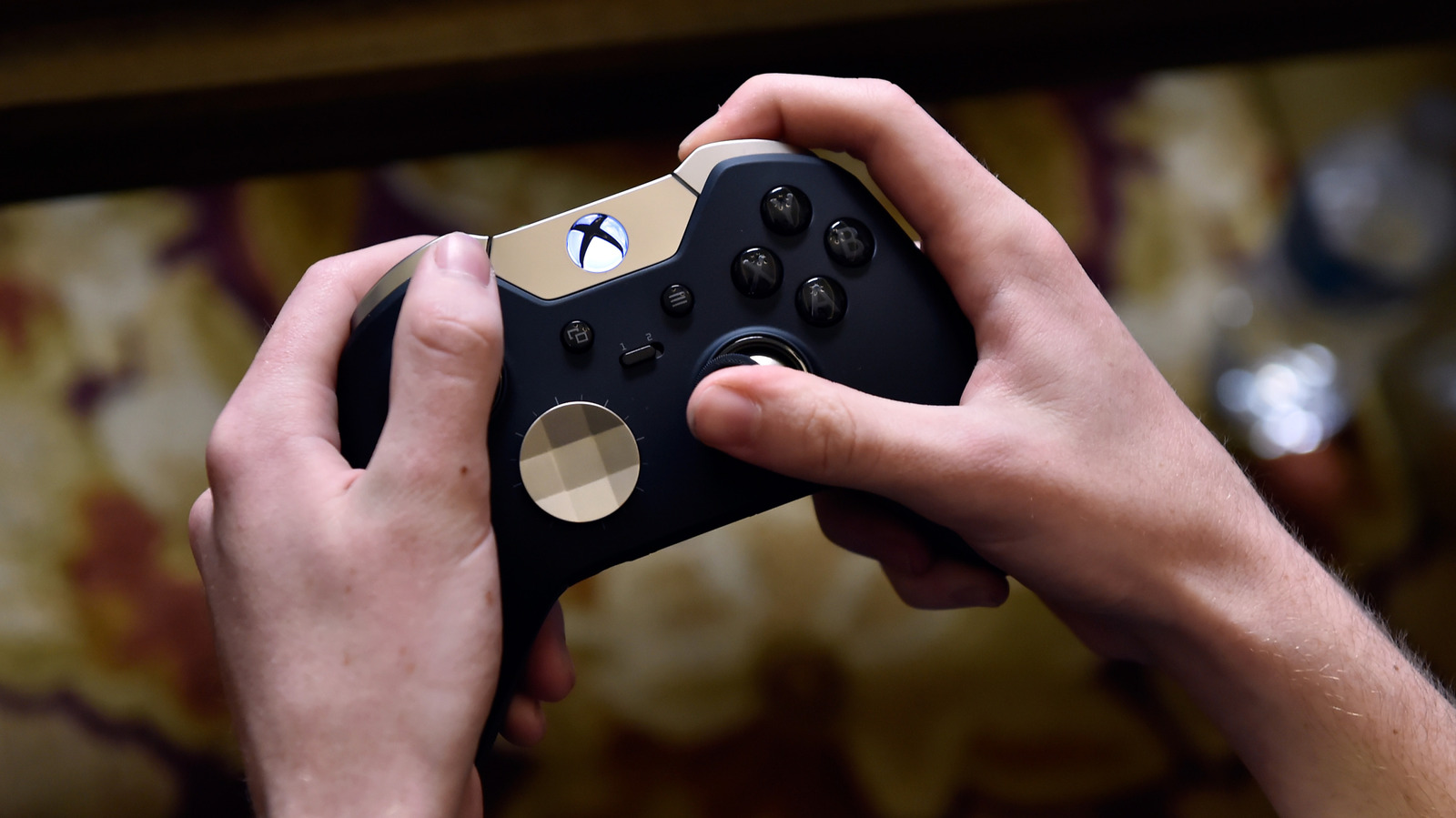
Though the Xbox controllers are sold first and foremost for Microsoft’s gaming console, they’re not limited to that device — for example, they can be used via Bluetooth or a USB-C cable to play games on PC and mobile devices, too. Because the Nintendo Switch uses Bluetooth to connect to its official controllers and it also includes a USB-C port for both charging and data transfers, it’s reasonable to wonder whether you can use an ordinary Xbox controller with the tiny console. (The same could be questioned regarding an Xbox controller and the Nintendo Switch 2.)
Regardless of the reason why you want to mix and match gaming hardware in this way, the short answer is yes, you can use an Xbox controller on the Nintendo Switch. The bad news is that it’s not as simple as connecting it to your Switch dock’s USB port. You will need to purchase an adapter or dongle. But there is a way for those willing to explore this avenue — the prerequisite device is cheap, and the setup process is usually pretty easy.
What adapters work with Xbox controllers on Switch? There are several different adapters available on the market, but they all work in similar ways. The adapter connects to your Nintendo Switch via USB, and then you connect your Xbox controller to the adapter using the controller’s built-in Bluetooth radio.
We’d recommend 8Bitdo’s wireless USB Adapter 2. It retails for just $20 at Amazon, and in addition to enabling a solid link between your Xbox controller and Switch, you’ll find that it works with a great variety of other controllers (including PS4 DualShock and PS5’s DualSense) and systems (Steam Deck, Windows PCs, and more). It’s wonderfully versatile, and judging by scores of user reviews, it’s also pretty reliable. If you’re unfamiliar with the 8Bitdo brand, this company built its reputation by offering wireless retro-style alternative controllers primarily for Nintendo Switch and PC players, so know that you’re getting a solid product backed by a company with a proven track record in customer service.
Of course, you’ll also need an Xbox controller that uses Bluetooth. All official Xbox Series X|S wireless controllers have Bluetooth inside, and newer controllers designed for the Xbox One era also house the necessary hardware. For the latter, you can tell whether your model has Bluetooth by checking the concave area where the Xbox button is. If the plastic in that area is contiguous with the rest of the face plate, it has Bluetooth.
Setting up the 8Bitdo USB Adapter 2 is relatively simple, though there are a couple of legs to this process. First, make sure your Switch is updated to version 3.0.0 or higher.
Navigate to System Settings > Controller and Sensors.
Toggle on the
Can You Use An Xbox Controller On Nintendo Switch?